Git
Git is a free and open-source distributed version control system. It keeps a detailed history of the changes made to a project, including what was changed, who made the change and when it happened. Modern software is rarely created by one person working on a single computer. Developers often work in teams, change the same files and release new versions of their applications regularly. Without a reliable way to track these changes, software development would quickly become confusing and Git solves this problem by helping developers record, organize and manage changes made to computer files and software projects. In simple terms, Git acts like a powerful save-history system for developers. It allows them to return to an earlier version of their work if something goes wrong.
History of Git
Git was created in 2005 by Linus Torvalds, the creator of the Linux operating-system kernel. Before Git was created, Linux developers used a proprietary version control system called BitKeeper. The arrangement that allowed the Linux community to use BitKeeper freely later ended, creating an urgent need for another system.Linus Torvalds wanted a version control system that would be Fast, Distributed ,Secure ,Capable of handling very large projects, Suitable for thousands of contributors, Protected against accidental or unauthorized changes. The Existing systems did not fully meet the requirements of Linux kernel development, so Torvalds began creating Git in April 2005. The first version was developed remarkably quickly and soon became capable of managing Linux kernel development. Later in 2005, Junio C. Hamano became Git’s main maintainer and continued improving the project with contributions from developers worldwide. Git eventually moved beyond Linux development and became one of the most widely used tools in modern software engineering. The official Git documentation describes it as a fast, distributed revision-control system. Read the Git user manual.
Git works by creating a repository for a project:
A repository is a folder containing the project’s files and the recorded history of changes made to them. The basic Git process includes the following stages:
i. Working directory:This is where the developer creates, deletes and edits project files.
ii. Staging area: The staging area contains the changes the developer has selected for the next saved version.
iii. Commit: A commit is a recorded snapshot of the project at a particular point in time. Each commit normally includes a short message explaining the changes that were made.
iv. Repository: The repository stores the commits and complete development history of the project.
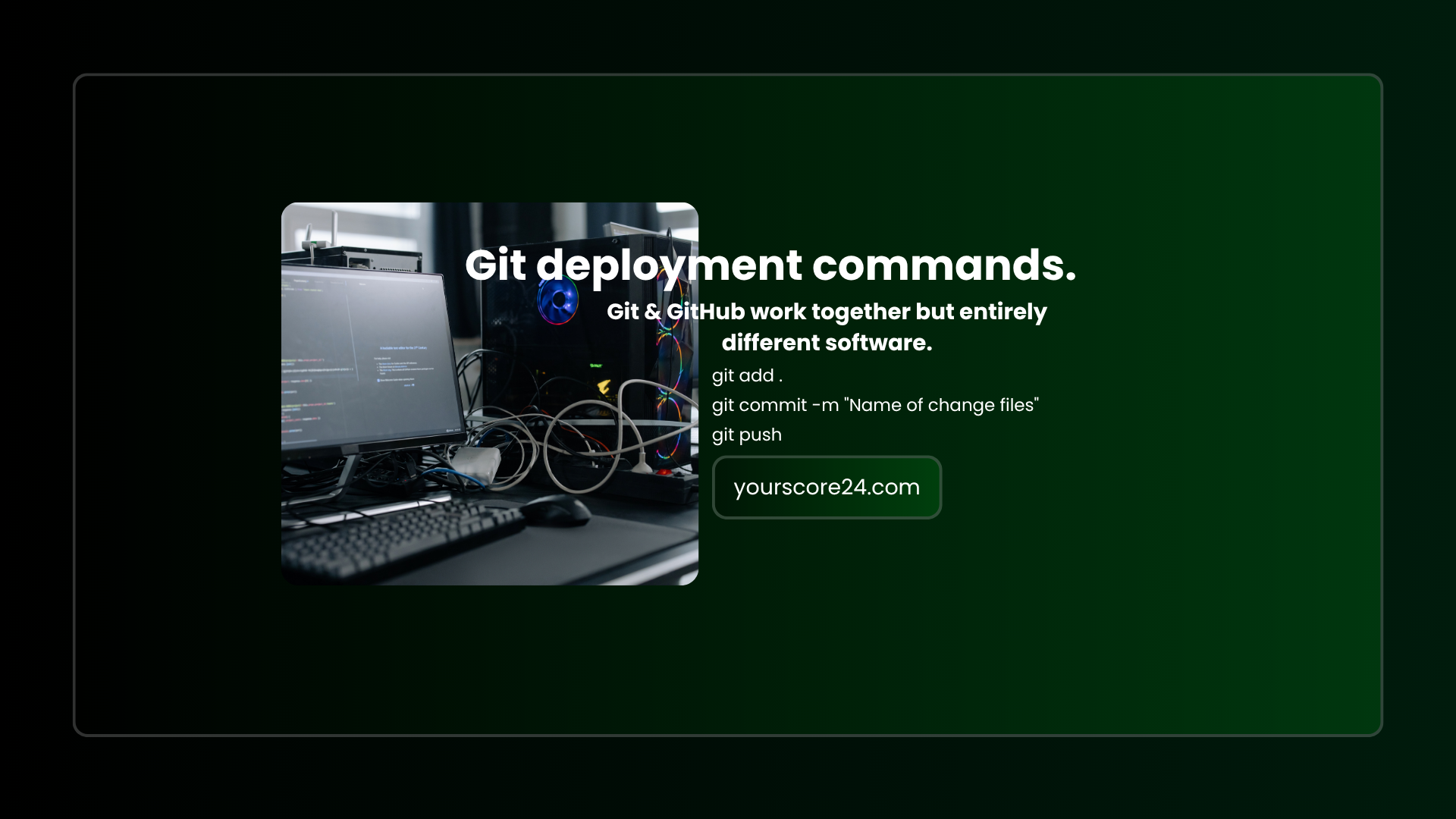
Git deployment commands.
git add .
git commit -m "name of change files"
git push
The first command git add. prepares the changes, the second git commit -m "name of change files" records them and the third git push sends them to a remote repository when one has been configured.
see more on Git official website
Login to join the conversation
No comments yet. Be the first to comment!